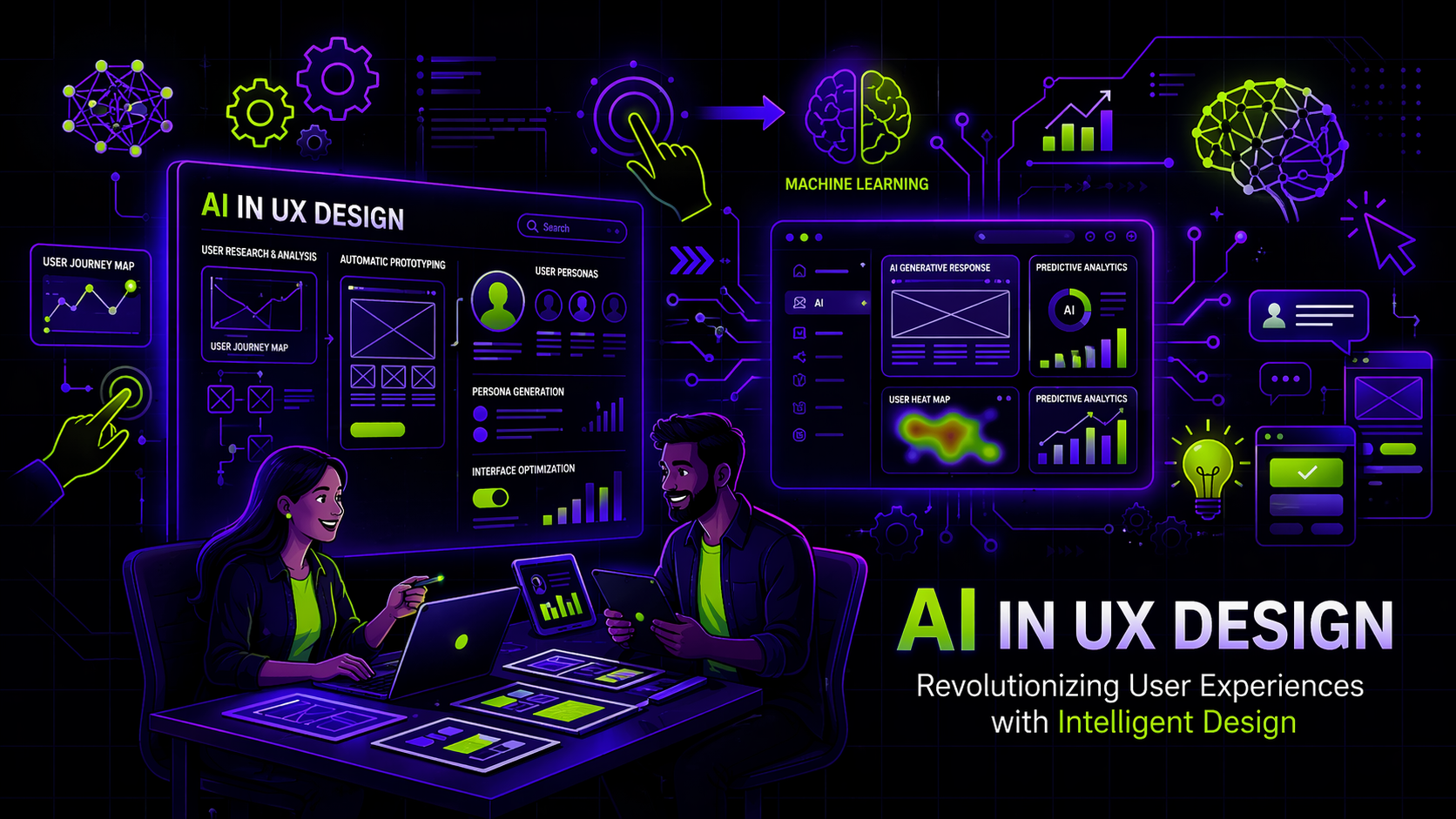
AI in UX Design for SaaS: Strategy, Personalization, UX Research & Trust

Author
AI in UX Design for SaaS: Strategy, Personalization, UX Research & Trust

Introduction

An AI feature launches. The announcement highlights improved accuracy, faster automation, and smarter workflows. The engineering milestone is significant. Yet a few weeks later, product analytics shows hesitation. Demo conversions soften. Support tickets reveal confusion about how outputs are generated.

Nothing is technically broken. The AI performs as expected. What fails is the experience surrounding it.

Across SaaS companies, AI adoption is accelerating. According to McKinsey’s 2023 State of AI report, organizations are embedding AI into more business functions than ever before, but measurable value depends heavily on user adoption and trust. Intelligence without clarity slows adoption.

AI in UX design is not about adding automation to interfaces. It is about structuring experiences that make intelligence understandable, usable, and credible. This guide explains how SaaS companies can use AI strategically across research, interface design, personalization, analytics, and governance—while preserving trust and conversion performance.
Table of Contents

  • The Strategic Role of AI in UX Design
  • Using AI for UX Research and Insight Generation
  • AI in Interface Design and Prototyping
  • Personalization and Adaptive Experiences in SaaS
  • AI-Driven UX Analytics and Behavioral Optimization
  • Designing for Trust and Explainability
  • Governance, Risk, and Human Oversight in AI UX

The Strategic Role of AI in UX Design

AI in UX design is often positioned as a productivity enhancer. In reality, it represents a structural shift in how digital experiences evolve.

As Gartner has highlighted in its research on AI engineering, organizations that move beyond experimentation focus on operational reliability, explainability, and user-centered deployment—not just model performance (https://www.gartner.com/en/articles/what-is-ai-engineering). This distinction matters in SaaS.

Strategically applied AI in UX should accomplish three outcomes:

  • Reduce cognitive load in decision-heavy workflows
  • Improve clarity in feature discovery and outputs
  • Strengthen user confidence in automated recommendations

When AI increases complexity or hides reasoning behind opaque outputs, it weakens perceived product value. UX strategy must anchor AI capabilities within evaluation journeys, not feature lists.

Using AI for UX Research and Insight Generation

AI enhances UX research by analyzing behavioral data at scale. Instead of relying solely on surveys and moderated testing, teams can surface friction patterns across thousands of sessions.

Deloitte’s Digital Consumer Trends report notes that organizations increasingly rely on behavioral intelligence to improve digital experiences—but value emerges only when insights translate into structural improvements (https://www2.deloitte.com/global/en/pages/technology-media-and-telecommunications/articles/digital-consumer-trends.html).

Within SaaS environments, AI can:

  • Identify repeated onboarding drop-offs
  • Detect hesitation patterns before demo bookings
  • Cluster users based on usage behavior
  • Predict churn signals tied to interaction gaps

The actionable insight lies in interpretation. AI may detect where friction occurs, but UX teams must redesign flows, simplify messaging, and clarify micro-interactions to remove it.

AI in Interface Design and Prototyping

AI-assisted design tools accelerate wireframing and layout generation. They reduce iteration cycles and help teams test variations quickly.

However, speed is not synonymous with strategic alignment.

AI-generated layouts often rely on pattern replication rather than contextual reasoning. Without strategic direction, outputs may lack hierarchy discipline or misalign with positioning.

The most effective application of AI in interface design includes:

  • Generating rapid variations for controlled A/B testing
  • Improving accessibility compliance checks
  • Supporting UX writing refinement through readability optimization

Human oversight ensures alignment with business objectives, buyer psychology, and information architecture integrity.

Personalization and Adaptive Experiences in SaaS

AI enables adaptive interfaces that respond dynamically to user behavior. For SaaS companies serving enterprise buyers, contextual experiences increasingly shape perceived maturity.

According to Accenture’s Technology Vision 2022, organizations are shifting toward predictive and real-time personalization to strengthen digital engagement. This shift extends into UX design.

Strategic personalization in SaaS can include:

  • Adjusting onboarding sequences based on user role
  • Dynamically surfacing relevant integrations
  • Customizing dashboards according to usage patterns

However, personalization must remain transparent. Overly adaptive interfaces that change unpredictably can reduce trust. UX design should maintain consistency while adapting intelligently.

AI-Driven UX Analytics and Behavioral Optimization

Traditional UX analytics focus on metrics such as bounce rate or session duration. AI expands this capability by detecting multi-variable behavioral correlations.

AI-driven analytics can:

  • Predict likelihood of trial abandonment
  • Identify micro-moments of hesitation in form completion
  • Correlate navigation behavior with conversion probability

This enables data-driven solutions that prioritize structural changes rather than surface-level adjustments. Instead of modifying button colors, teams can rethink information sequencing, messaging clarity, or feature grouping.

AI strengthens optimization when it informs architecture-level decisions.

Designing for Trust and Explainability

Trust remains central to AI adoption. Without transparency, advanced systems risk skepticism.

A 2021 World Economic Forum report on AI governance emphasized that transparency, fairness, and explainability directly influence user confidence and regulatory compliance (https://www.weforum.org/reports/ai-governance-a-holistic-approach-to-implement-ethics-into-ai).

In UX design, explainability translates into:

  • Clear communication about how recommendations are generated
  • Visible logic indicators where decisions impact outcomes
  • Accessible data usage explanations
  • Feedback loops allowing user correction

When users understand system reasoning, engagement improves. When they do not, friction increases—even if outputs are technically accurate.

Governance, Risk, and Human Oversight in AI UX

AI introduces operational and reputational risks alongside benefits.

Bias, inaccurate outputs, or opaque decision paths can erode credibility. Responsible AI UX requires structured governance mechanisms.

Best practices include:

  • Continuous model validation reviews
  • Ethical design checkpoints in product cycles
  • Clear escalation paths for disputed outputs
  • Human-in-the-loop oversight in high-impact workflows

AI should enhance decision-making—not obscure accountability.

Conclusion

AI in UX design is not a design trend. It is a structural evolution in how SaaS companies research, design, personalize, and optimize digital experiences.

The most effective strategies focus on:

  • Anchoring AI within clear evaluation journeys
  • Translating behavioral insights into architectural improvements
  • Balancing personalization with transparency
  • Preserving human oversight in critical interactions

AI can accelerate research, testing, and optimization. It cannot replace clarity, hierarchy, or trust.

For SaaS teams evaluating how to embed AI meaningfully into user experience, the question is not whether to use AI—but how to structure it responsibly and strategically.

Organizations that treat AI as a design discipline rather than a feature layer create stronger adoption, higher conversion confidence, and more durable customer relationships.

For companies seeking structured UX guidance in AI-driven environments, Payan works at the intersection of behavioral insight, experience clarity, and conversion architecture—ensuring that intelligence translates into usable, trustworthy digital journeys.

Simple, ongoing design
support for fast-moving
teams.

Ongoing design requests, handled with predictable turnaround. No long-term commitment.

How This AI Brand Got the Upgrade It Deserved →
Interactive Design Preview